
PonyBuy Spreadsheet Haul
Your PonyBuy Spreadsheet finds arrive one at a time. Getting them home is a separate decision.
Start with the search box. What a haul costs to bring home gets decided later, in a warehouse, by rules PonyBuy keeps two clicks deep.
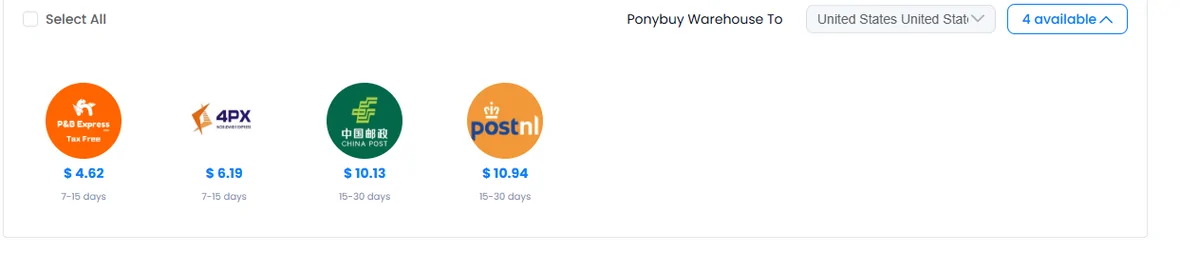
Everything you order through PonyBuy lands in the same Chinese warehouse and waits there. Nothing moves until you say which items travel together, on which route, packed how. That decision sets most of what you end up paying, and PonyBuy documents it in a corner of its help centre that takes two clicks to open.
This guide is about that corner. Start from the category walls below, then order and submit parcels on ponybuy.com.
Sixteen categories, sorted by what they do to the bill
Or skip the search box and start from a category. Sixteen of them, put in the order that matters once a parcel exists rather than in catalogue order. The band under each photo is roughly where that category sits between light and heavy in a combined box.
These set what you actually pay to lift
Dense for their size. A parcel built mostly out of this group crosses continued weight steps early, which is exactly the case where combining saves the least: the weight was always going to be there.
 Sneakers
The shoe is heavy and the box adds volume on top of it. Two pairs is usually a weight step.
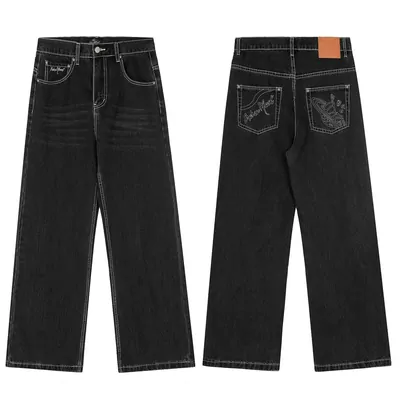 Jeans
JeansDenim is the densest thing most hauls contain. Two pairs move a parcel on their own.
 Watches
Small and dense, then packed in a presentation box that is mostly air. Both numbers go up.
 Electronics
Dense, and the group most likely to carry a battery that changes which routes will take the parcel.
These fill the box without weighing much
Almost no actual weight, and they take the space. On any route that bills volumetric weight these decide the number instead. This is the group where asking which divisor your route uses is worth the message.
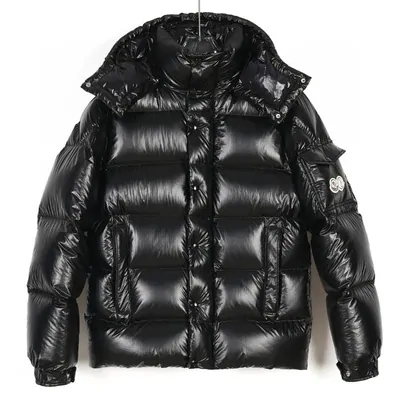 Jackets and coats
The largest single volume most hauls contain. One coat decides the box size, and everything else then travels in the space left around it.
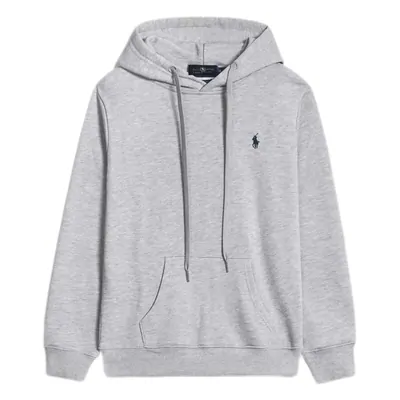 Hoodies
Compresses well if it is packed with that in mind, which is a warehouse decision rather than yours.
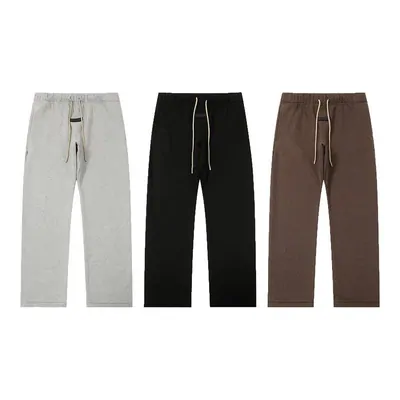 Sweatpants
Bulky rather than heavy. Two pairs fill more of the box than a jacket does and still read as almost nothing on the scale.
 Bags
BagsA structured bag is mostly air once it is empty, and the air ships with it. Filling it with the soft items from the same parcel is the only way to get that space back.
These ride along in space already paid for
Small, soft and unrestricted. Added to a parcel you were sending anyway, they are the closest thing here to free. Added to an empty parcel they pay full first weight for very little.
 T-Shirts
The clearest case for combining there is. Sent on its own it pays a first weight worth several times the shirt.
 Belts
BeltsCoils flat against the side of a box and barely moves the scale. The buckle is the part that decides whether it needs a wrap of its own.
 Hats
HatsA structured cap holds its shape, so it claims a corner of the box whatever else goes in. A soft one does not.
 Jerseys
Thin and flat. Several go into the same parcel before the weight moves at all.
Here the weight is not what decides
Nothing in this group is banned outright, but for each one the thing that settles it is a rule, a fragility, or a search, rather than a number on a scale. Check these before you build a parcel around them.
 Perfume
The alcohol in it settles the route before any weight does. Several air services will not carry the parcel at all, which is worth knowing before you build one around a bottle.
 Eyewear
Whether the hard case travels too is the whole question. In its case a pair takes real space; without one it needs a careful packer.
 Jewellery
Near weightless, so the declared value rather than the mass is what customs reads on the way in.
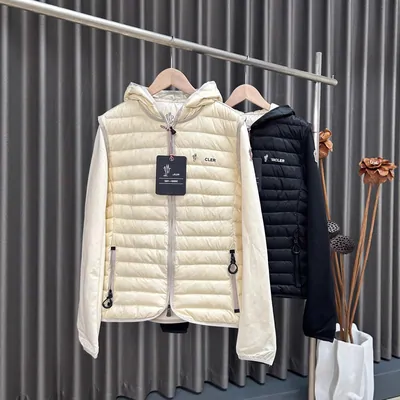 Womenswear
Runs a search instead of a single category. Listings are sorted by garment, so there is no one door marked womenswear to send you through.
The womenswear tile lands on a set of results rather than on a single page, and carries a different badge for exactly that reason.
The arithmetic
PonyBuy publishes a worked example, and one line of it does not add up
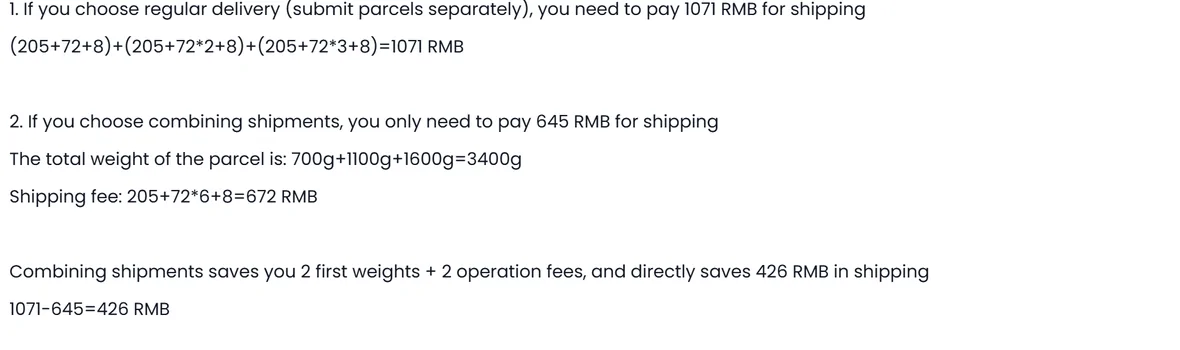
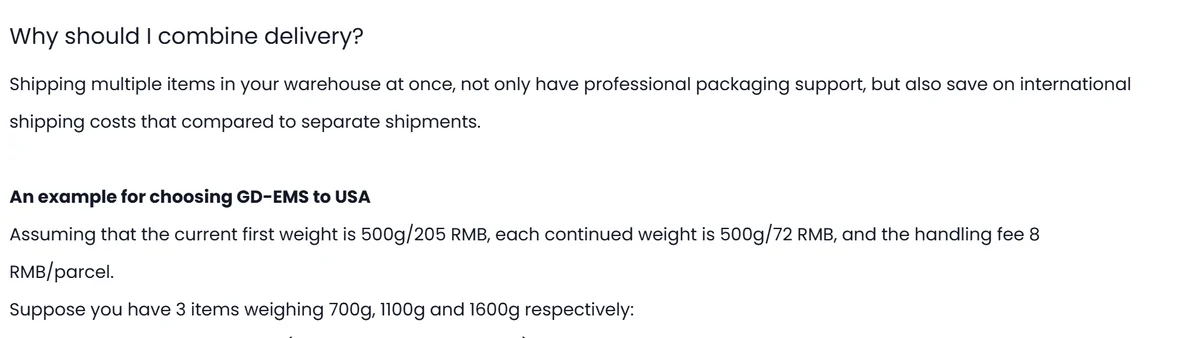
The help centre article on combining delivery assumes a route where the first 500 g costs 205, each further 500 g costs 72, and there is an 8 handling fee per parcel. It then takes three items weighing 700 g, 1100 g and 1600 g.
Sent separately that is 1071. Combined it is 645, and the article says so twice, once in the sentence and once in the subtraction at the end. In between it prints 205+72*6+8=672. That expression equals 645. The 672 is a slip in the original.
We point at it not to score a point but because it is the reason to run the numbers yourself rather than trust a headline figure. The mechanism underneath is sound, and it is the whole reason combining works.
Try it with your own haul
Combine or ship separately, with the official example preloaded
Type the weights of the things sitting in your warehouse. The rates start on PonyBuy's own example numbers, so the first thing you see is its 1071 against 645. Replace them with the rate card for your route and the answer moves.
You have to type the weights because the listing will not tell you them. On the product page below, Weight(g) and Volume(cm) are both left as two dashes. The warehouse fills those in after it receives the goods, and that is the point at which this arithmetic stops being a guess.

Two directions that pull against each other
The same article that recommends combining ends with a warning: customs judges civil against commercial parcels partly on weight and item count, and a parcel over 10 KG has a relatively high chance of being read as commercial. Too many of one product does the same thing.
So the advice to combine and the advice to stay light are both official, sit in the same article, and are never reconciled. That gap is where this guide lives.
Where your decisions actually change the bill
Six stages run from a stored item to a settled parcel. You only control two of them, and both are early.

Items reach the warehouse
Inspection photos are taken, restrictions are set by staff according to what the goods are, and a 90 day storage clock starts from the moment the order reads stored.
You choose what travels together
This is the decision. Everything downstream is arithmetic on top of it.
The system filters the routes
Restrictions on any single item remove routes for the whole parcel. If nothing is left, View Reason tells you which item did it.
You pay a deposit on an estimate
The estimate uses the weight recorded on arrival plus an assumed packaging weight.
The warehouse packs, weighs and measures
Now the real number exists. If the courier disagrees, the courier wins.
The difference is settled
Short means you top up. Over by more than one continued weight step means a refund to your PonyBuy balance within 72 hours of dispatch.
What each kind of find does to your box
Sorting a haul by weight behaviour is more useful than sorting it by category, because the bill is calculated on weight and volume, not on what the thing is. Pick a category from the wall above, then group what you find this way.

Heavy and small
Shoes, denim and anything with hardware push the actual weight up quickly, so they decide how many continued weight steps you pay for.
Light and bulky
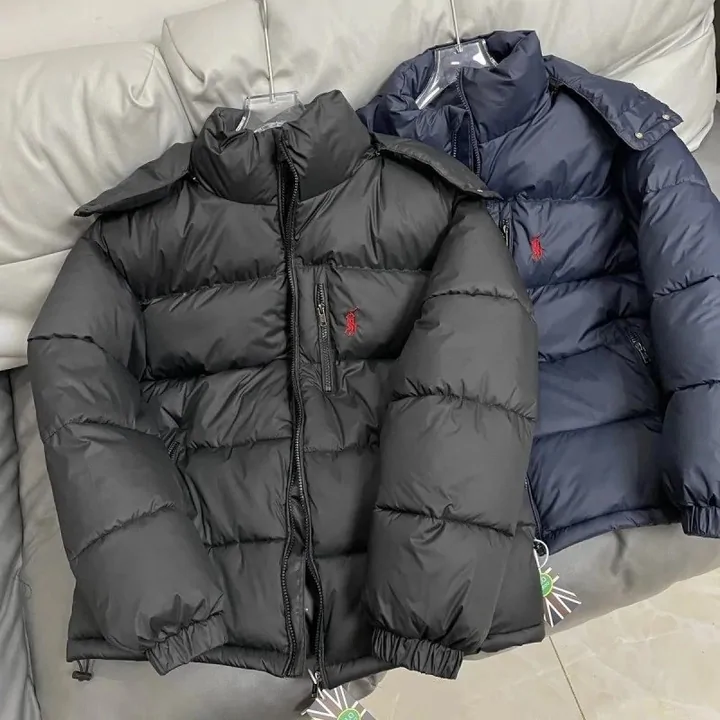
Puffer jackets and plush push volume instead. On a route that measures the box, volume can become the number you are billed on.

Some items will not go in the box at all
Two flags stop consolidation outright: an item carrying a mailing restriction, and an item marked as packed separately. Neither is negotiable from the submit screen. Customer service can be asked to change a restriction, PonyBuy decides case by case, and if they agree the resulting risk is yours.
Liquids and medicines have their own guidance: keep them under a tenth of the items in the parcel.
Four things you can buy to remove an unknown
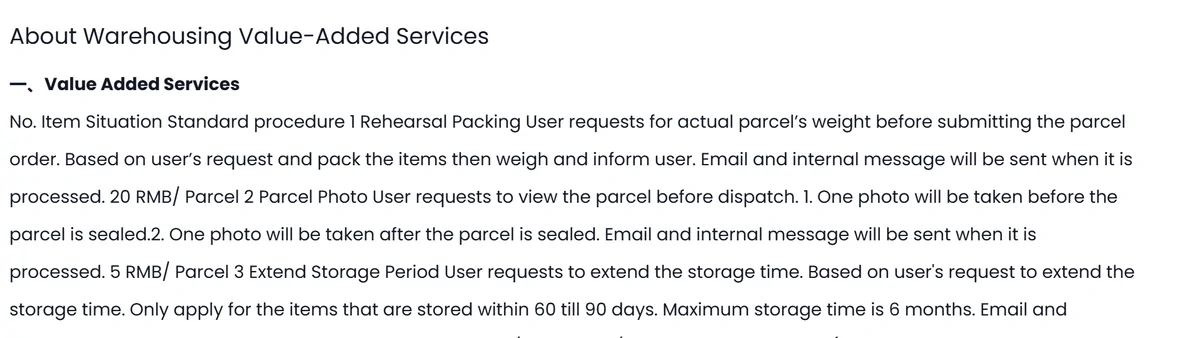
These are published prices, sitting on a help page where the table renders as one unbroken paragraph. Rehearsal packing is the interesting one: it is the only way to know the real weight before you commit to a route.
| Service | What it does | Published price |
|---|---|---|
| Rehearsal packing | Your items are packed and weighed, then you are told the number, before you submit the parcel order | 20 RMB per parcel |
| Parcel photo | One photograph before the box is sealed and one after | 5 RMB per parcel |
| Detailed photo | Your angles and your measurements, up to twenty shots, requested with the order or later | 1 RMB each |
| Extend storage | Only for items already stored between day 60 and day 90, to a maximum of six months | 10 RMB per product ID per month |
Prices as published in About Warehousing Value-Added Services and PonyBuy Detailed Photo, checked 2026-08-06. Read the original before ordering.
The PonyBuy Spreadsheet and PonyBuy are two different things
The PonyBuy Spreadsheet is where you browse: a wall of product cards, grouped by category, each one a picture and a link. It holds no stock, takes no payment and never touches your parcel.
PonyBuy is the agent. It buys the item, inspects it, stores it, packs it, weighs it and ships it. Everything on this site after the browsing step is the agent.
Mixing them up sends questions to a desk that cannot answer them. Weight, packing, refunds and customs are always the agent.

Three things people ask first
The rest are on the questions page.
How long can things sit in the warehouse before I have to decide?
Ninety days of free storage, counted from the moment the order status reads stored. Past that, with no parcel submitted and no reply from you, PonyBuy says the goods are considered given up and destroyed. A paid extension exists but only applies to items already stored between day 60 and day 90.
Will I get money back if the box weighs less than the estimate?
Only if the gap is bigger than one continued weight step. PonyBuy describes refunding that difference to your account balance within 72 hours of dispatch. A gap smaller than one step is not described as refundable anywhere we could find.
Does combining always save money?
No. It saves you the repeated first weights and handling fees, so the win is largest when you have several light items and smallest when one item already carries most of the weight. Run your own rates through the calculator above rather than assuming.

What changed in the documentation
Official help pages move without announcements. We re-read the shipping section on a schedule and keep a note of what shifted, including the things that look like mistakes rather than changes.
The footer below is the index we work from. Everything on this site traces back to one of those five groups, and the four entries under Delivery are the ones this page is built on.