
What the PonyBuy Spreadsheet is, and what each category does to your parcel
The PonyBuy Spreadsheet is the wall of product cards you browse before any of this starts. Pick a category, look at the cards, open the one you want, and the link takes you to PonyBuy to order it.
It is worth being precise about it, because the PonyBuy Spreadsheet and PonyBuy are two different things and people write to the wrong one.

Two layers, and which one to contact
The split matters most when something goes wrong, because only one side of it can act.
The PonyBuy Spreadsheet does
- Show you what exists, grouped into categories
- Give each card a picture and a link
- Point that link at PonyBuy
- Get updated as new finds are added
PonyBuy does
- Buy the item from the marketplace seller
- Inspect it and photograph it on arrival
- Store it, for ninety days free
- Pack it, weigh it, declare it and ship it
- Hold your money and issue any refund

How to judge a seller from the listing alone
PonyBuy buys what your link points at. It does not rate the shop, does not warn you off one, and does not choose between two listings of the same thing. That judgement is yours, and you make it before you paste anything, with nothing to go on but a card.
Which is less hopeless than it sounds. A listing leaks a fair amount about who assembled it. Below is what we actually look at, and, in the last column, the part each signal cannot settle.
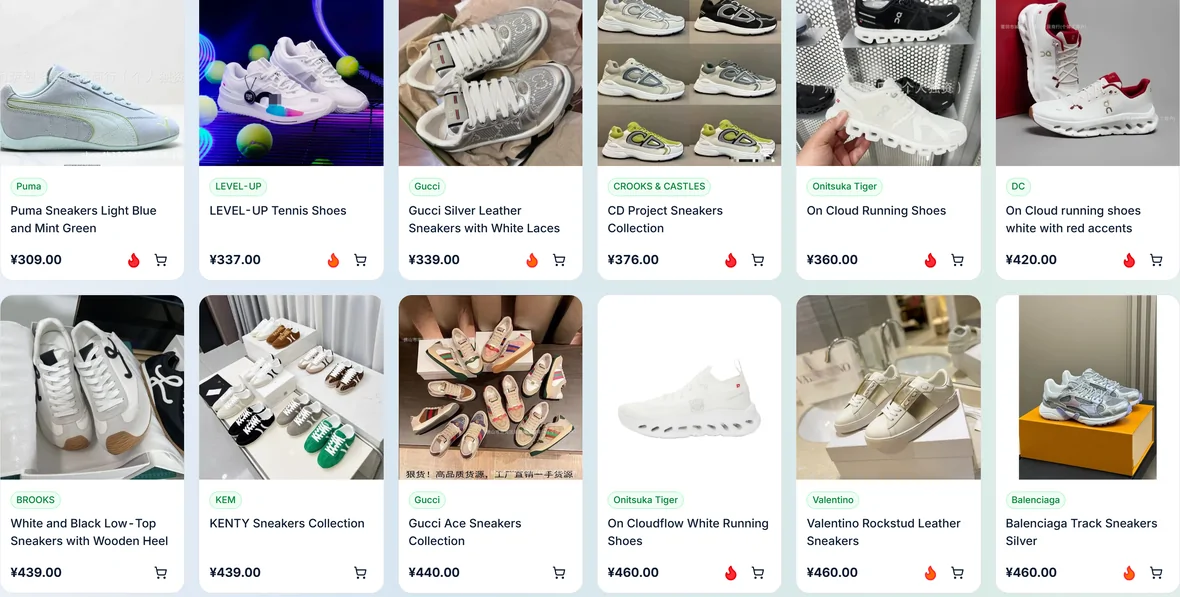
| Signal on the card | What it tends to mean | What it still does not tell you |
|---|---|---|
| A plain studio photograph on white | Somebody shot the product, or at least paid for a set that matches the listing. | Nothing about the item in the box. Good photography is cheap. |
| A photograph with sales text burnt into it | A wholesale image, passed between shops. The shop selling it may never have held one. | That it is worse. Plenty of these are fine. It does mean the picture is not evidence of this shop's stock. |
| Photographs that do not match each other | The listing is a bundle of variants, or it was assembled from several sources. | Which of the variants you will actually be sent. Put the one you want on the order remark. |
| Measurements given as numbers | The seller expects to be held to them, and inspection can check a label against them. | That the numbers are true. It does mean a mismatch becomes arguable rather than a matter of taste. |
| Standard or one-size instead of measurements | Nothing is being promised, so nothing can be missed. | Anything at all. This is the case where a detailed photo before shipping is worth the one yuan. |
| A price well below the rest of its category | A question worth asking, not a find. Compare it against the neighbouring cards rather than against retail. | Whether it is a different material, an older version, or simply an older listing that nobody has updated. |
None of this replaces the inspection photographs, which are the first time anyone on your side sees the actual object. What those photographs can and cannot settle.

Why use the PonyBuy Spreadsheet rather than searching the agent directly
Why use the spreadsheet at all? You could search PonyBuy directly. The reason to browse a Spreadsheet first is that the marketplaces PonyBuy buys from are indexed in Chinese, and a category wall in English is a faster way to find out what a category even contains.
What it will not do: it is not stock, not a price guarantee, not a review site, and not live. A card tells you a thing existed and where to open it. Everything after that, including whether it is still available, is the agent.
Heavy and small: the categories that set your weight
These push actual weight up fastest, so they decide how many continued weight steps a parcel pays for. If your haul is mostly these, combining saves less than you would expect, because the weight was always going to be there.
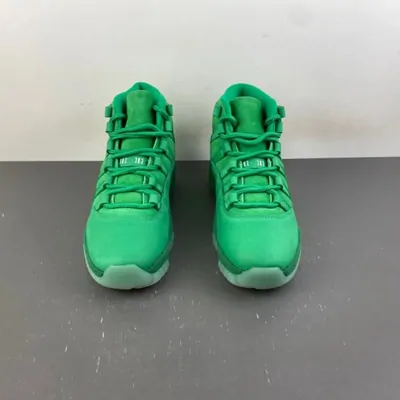
Sneakers
Boxed footwear is the classic weight problem: the shoe is heavy and the box adds volume on top.
Browse Sneakers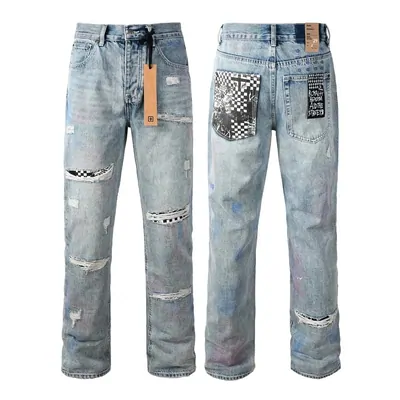
Jeans
Denim is dense. Two pairs move a parcel across a weight step on their own.
Browse Jeans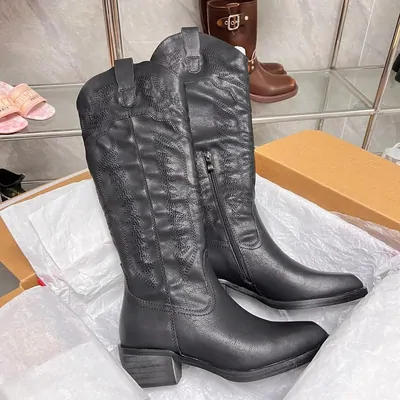
Leather shoes
Heavier than sneakers per pair and usually shipped in a rigid box.
Browse Leather shoes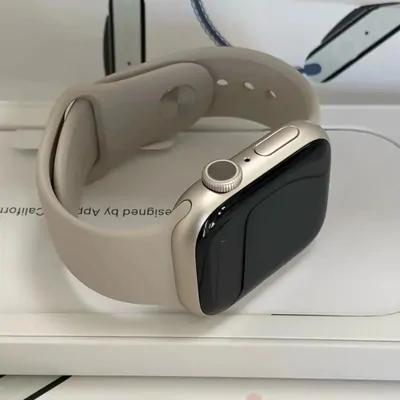
Watches
Small but dense, and often packed in a presentation box that is mostly air.
Browse WatchesLight and bulky: the categories that make volume the problem
These weigh very little and fill a box, so on any route that measures volume they can become the number you are billed on. This is the group where cutting the carton down, and asking about the volumetric divisor on your route, actually matters.
Browse down jackets, hoodies, plush toys and outerwear.
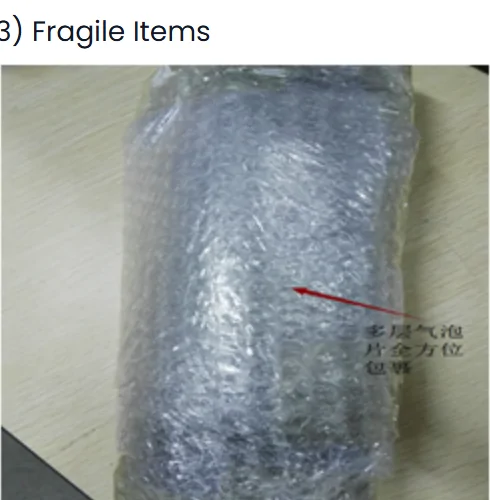
Awkward: the categories that may not travel with the rest
Nothing here is banned outright, but each one is a candidate for a mailing restriction or a packed separately flag. Check them before you build a parcel around them rather than after.
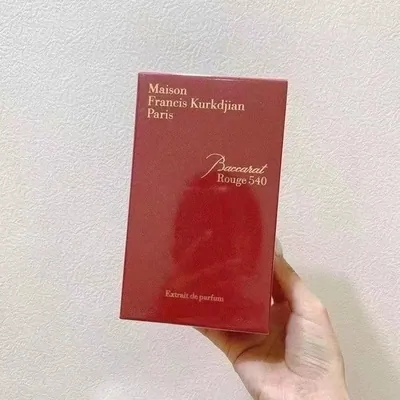
Perfume
Liquid. PonyBuy advises keeping liquids and medicines under a tenth of the items in a parcel.
Browse Perfume
Electronics
Inspected for appearance only, never powered on, and frequently restricted by route.
Browse Electronics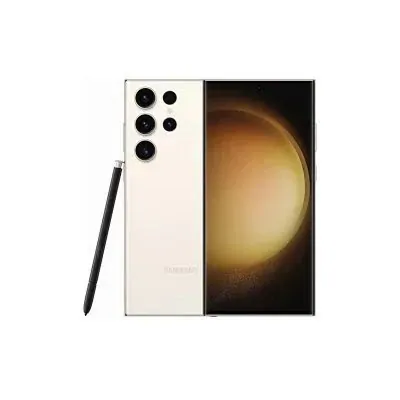
Mobile phones
Batteries change which routes will accept the parcel at all.
Browse Mobile phones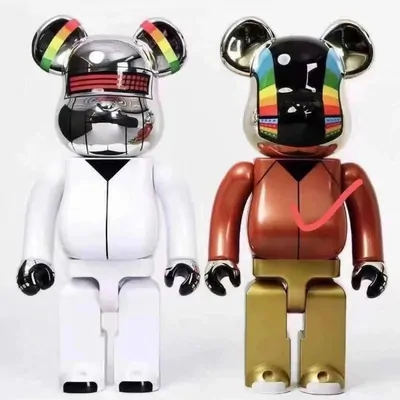
Figures and statues
Resin breaks. Each piece is wrapped on its own, which is where some of the packaging weight comes from.
Browse Figures and statues
Restrictions are set on arrival, not at checkout
Nothing in the categories above is blocked while you are browsing. The mailing restriction is applied by warehouse staff once the item physically arrives and they can see what it is, which means the first moment you learn a thing cannot ship on your preferred route is usually after you have already paid for it.
That is an argument for ordering the awkward item first and the rest afterwards, rather than all at once. If it turns out to be restricted, the remaining ninety day window is still open for everything else.
Gap fillers: the cheapest things to add to a box you are already sending
Small, soft, unrestricted. They ride along inside space that is already being paid for, which is the one place where combining is close to free.
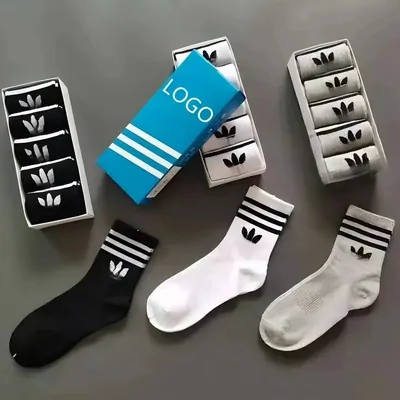
Socks
Compressible and light enough that several of them rarely cross a weight step.
Browse Socks
Accessories
Small hardware, and the group most likely to fill an awkward corner.
Browse Accessories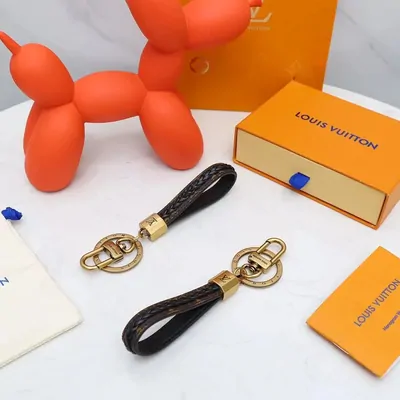
Keychains
Almost weightless, which makes them the definition of a gap filler.
Browse Keychains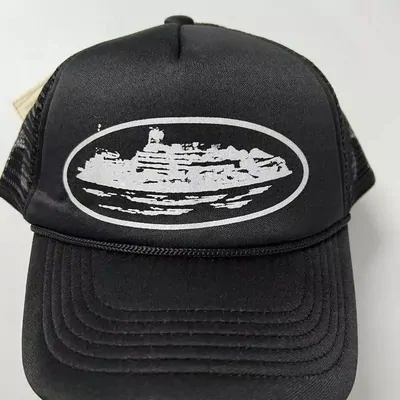
Hats
Light, though a structured cap takes volume rather than weight.
Browse Hats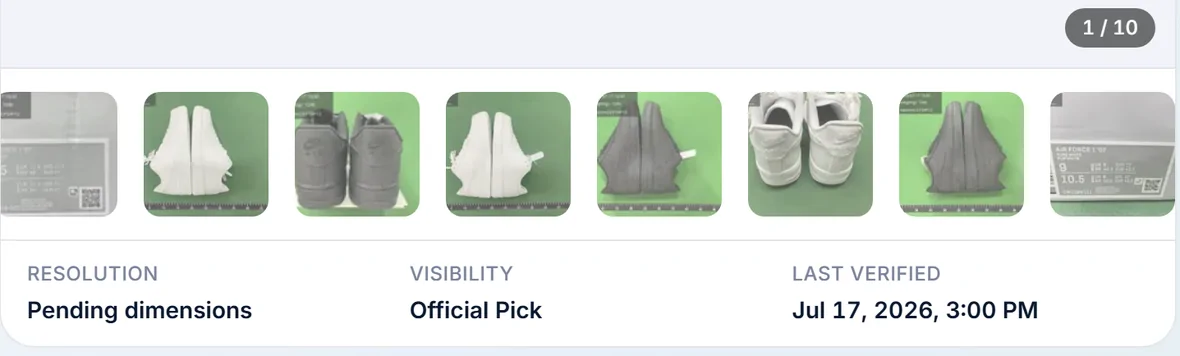
How to judge a spreadsheet before you order from anything on it
There are a great many of these sites and this is one of them, so read the next paragraph with that in mind. Four things separate a wall worth using from a wall of links somebody generated in an afternoon, and all four are visible without clicking anything.
Does a card say when it was last checked, the way the record in the picture does. Does the site say plainly that it is not stock and not a price, so that a dead listing is a known limit rather than a broken promise. Does it disclose that it earns when you order, which this site does on every page footer. And does the link go straight to the listing rather than through a chain of redirects that strips it. A site failing all four is not dishonest by definition, but it has given you no way to tell.
How to use this before you order rather than after
The useful move is to decide roughly what shape your parcel will be while you are still browsing. If your list is drifting toward heavy items, the combining saving shrinks and it may be worth splitting into two parcels sent weeks apart. If it is drifting light and bulky, ask which volumetric divisor your route uses before you add anything else.
Either way, the ninety day storage window is what gives you room to wait for the rest of a haul to arrive.
